Sharing photos is one of the most important parts of online dating. This guide will walk you through everything you need to know about uploading, managing, and sharing photos on NoLimitsDate — from private photos for messages to your public profile pictures.
Step 1: Find Your Private Photo Gallery
On the left sidebar, locate the section called "My Private Photos/Videos". On mobile versions, you'll find this menu next to the logo.
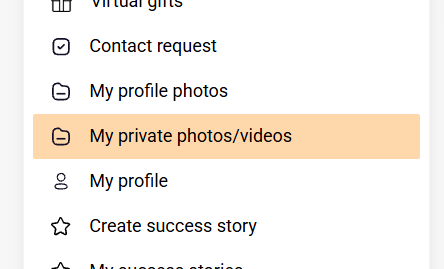
This is your personal photo library where you can store photos and videos that you'll use in messages and chats. The advantage? Upload once, use multiple times — no need to re-upload the same photo again and again.
- Desktop: Look for the sidebar on the left
- Mobile: Tap the menu icon (☰) next to the logo
- Direct link: nolimitsdate.com/private
Step 2: Upload Your Photos
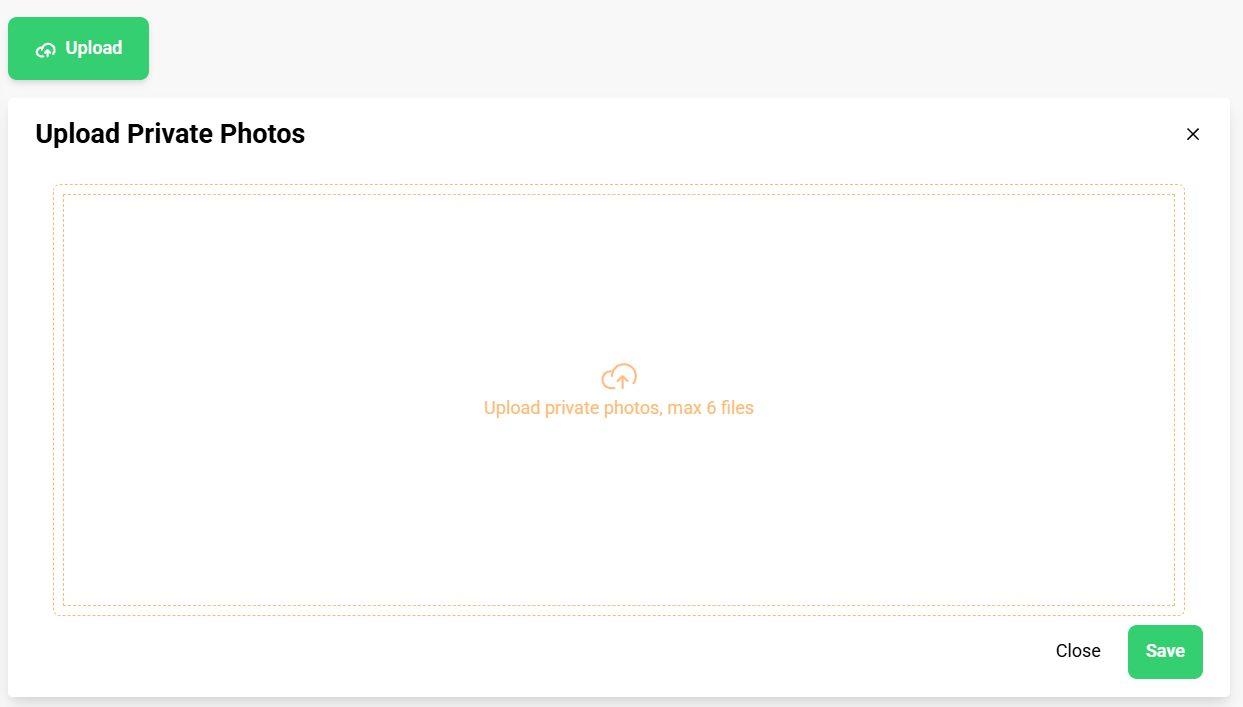
Inside the Private Photos/Videos section, you'll see an "Upload" button at the top of the page. Click it to begin.
You'll be able to choose between different categories:
- Private Photos — for regular messages and chats
- Piquant Photos — for more intimate sharing
- Private Videos — requires Platinum membership or higher
Most of the time, you'll want to select "Private Photos".
A window will open where you can either:
- Drag and drop your photos directly into the window
- Click the window to browse and select files from your computer
You can upload up to 6 files at once. When you're done, click "Save" and your photos will be ready to attach to letters and chats.
Step 3: Attach Photos to Messages
Once you've uploaded photos to your private gallery, using them is simple.
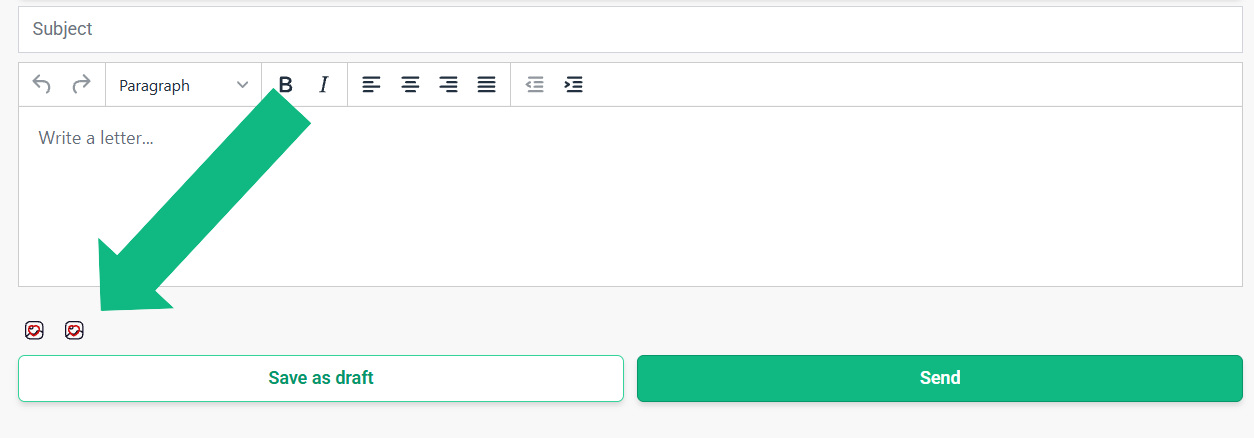
When writing a letter or message, look below the text editor. You'll see icons that allow you to browse and attach your uploaded photos and videos.
Just click the photo icon (🖼️), select the photo you want to send, and it will be attached to your message instantly.
Privacy & Security: Photos uploaded to My Private Photos/Videos are NOT publicly visible. They are only accessible to you and the users you send them to. All photos are automatically moderated by our security system to ensure safety.
Profile Photos vs. Private Photos
It's important to understand the difference between two types of photos on NoLimitsDate:
Profile Photos
These are photos that appear on your public profile. They're visible to all registered members of the site when they view your profile.
Where to upload: My Profile Photos section
Managing Your Profile Photos
In the My Profile Photos section, you can upload and manage photos that will be visible in your profile gallery.
- These photos are visible ONLY to registered users on NoLimitsDate
- They cannot be seen by people who are not logged in to the site
- They won't appear in search engines like Google or image search
- They're only visible within the NoLimitsDate community
Main Profile Photo (Avatar)
Your main profile photo is your avatar — the primary image that represents you across the site.
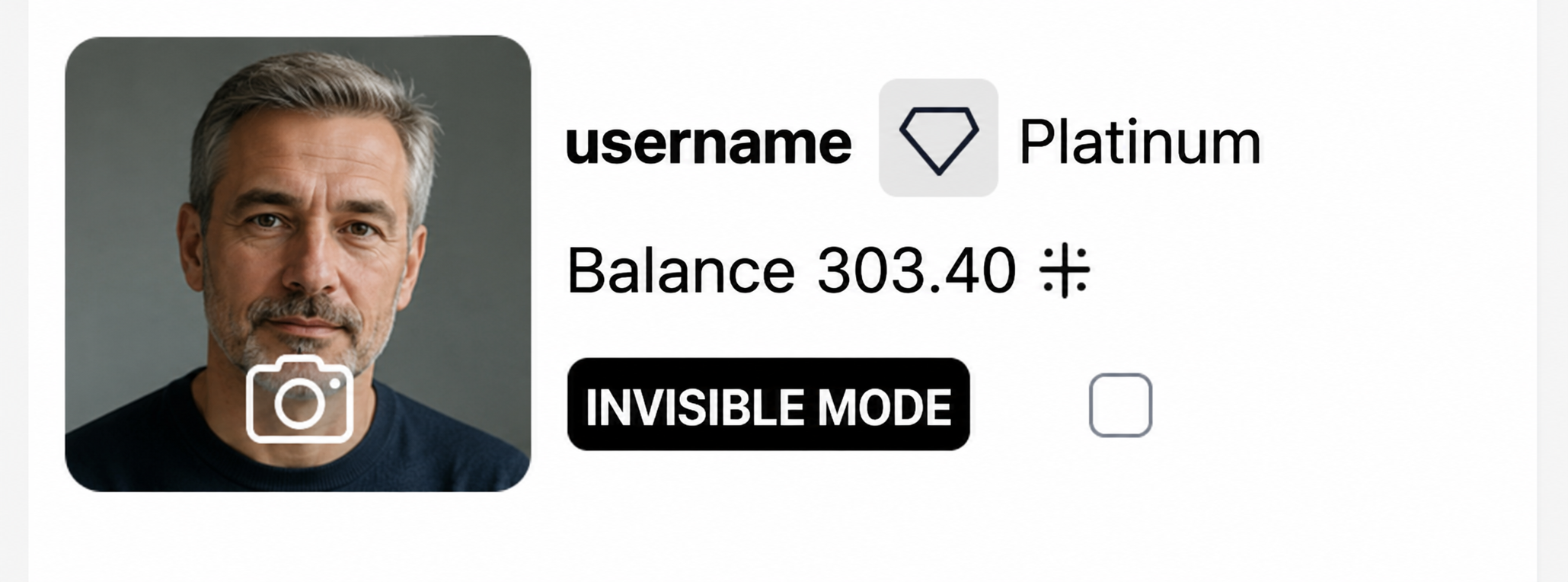
How to upload:
- Go to the sidebar
- Hover your cursor over your current avatar
- Click the camera/photo icon (📷) that appears
- Select and upload your chosen photo
Editing Your Profile
In the My Profile section, you can:
- Edit your profile information
- See how your profile appears to other users
- Click "View My Profile" to preview it
Important Tips
- Photos appear rotated or sideways? — This is usually not a site issue. Most smartphones save photos with special orientation data (EXIF), and sometimes this data is read incorrectly during upload. If your photo appears rotated, simply rotate it in your phone's gallery or computer before uploading — the problem will disappear.
- Use high-quality photos — Clear, well-lit photos get better responses
- Upload once, use many times — Your private photo gallery saves you from re-uploading
- Video uploads — Require Platinum membership or higher
- Automatic moderation — All photos are checked automatically for safety
- Your privacy matters — Profile photos are only visible to registered members, never to search engines